



A screen recorder is one of the most useful tools you can have on your device in today’s digital age.
Whether you are a student saving an online lecture, a professional creating a product demo, or a content creator building your audience screen recording makes communication faster, clearer, and more impactful than words alone ever could.
What Is a Screen Recorder?
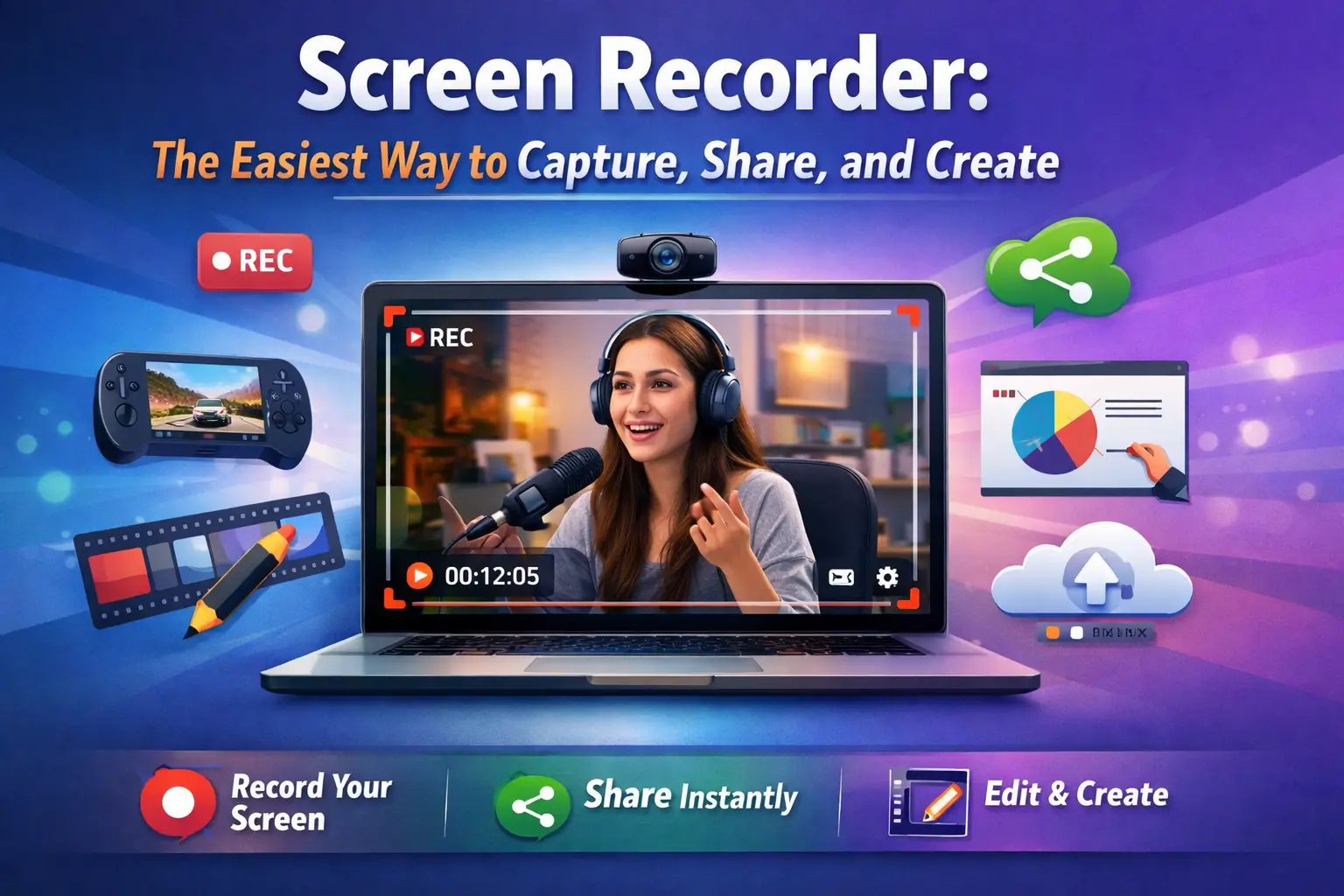
A screen recorder is a tool that captures everything happening on your screen and saves it as a video file. Modern screen recorders go beyond simple capture they record audio, webcam footage, and system sounds all at the same time, giving you a complete and professional output with minimal effort.
Today, screen recorders come in two forms: downloadable software installed on your device, and browser-based online tools that require no installation at all.
Both options serve different needs, and choosing the right one depends on how frequently you record and what level of quality you need.
Why Every Device Needs a Screen Recorder?
For Students and Educators
Screen recorders have completely transformed online learning. Teachers record lessons that students can rewatch at their own pace. Students capture important lectures and save them for revision. The ability to record and replay makes learning more flexible and effective than ever before.
For Content Creators
YouTube tutorials, software reviews, gaming videos, and online courses all rely heavily on screen recording. A good screen recorder gives creators the freedom to produce high-quality content without expensive equipment or a professional studio.
For Business Professionals
Instead of writing lengthy emails to explain a process, professionals record a quick two-minute walkthrough and share the link. It saves time, reduces miscommunication, and keeps remote teams aligned without scheduling unnecessary meetings.
For Gamers
Gamers use screen recorders to capture their best plays, create highlight reels, and stream live to audiences. Smooth, lag-free recording is essential in this space, and modern tools are built to deliver exactly that.
Features to Look for in a Screen Recorder
If you are looking for a reliable and feature rich option, iTop Screen Recorder is one of the best tools available for Windows users today.
HD and 4K Recording Quality
A screen recorder should capture your screen in sharp, clear resolution. Look for tools that support at least 1080p, with 4K as a bonus for professional use.
Audio Recording Options
The ability to record microphone input, system audio, or both simultaneously is a must-have feature for tutorials, gaming, and meeting recordings.
Webcam Overlay Support
Recording your face alongside the screen adds a personal touch to tutorials and presentations, making your content more engaging and relatable.
Built-In Editing Tools
The best screen recorders include basic editing features trimming, cutting, and annotating so you can clean up your footage without switching to a separate application.
Frequently Asked Question
Is a screen recorder free to use?
Yes, many screen recorders offer free versions with essential features included.
Can I record audio along with my screen?
Yes, most screen recorders capture both microphone and system audio simultaneously.
Do I need to install software to record my screen?
Not always online screen recorders work directly in your browser without any installation.
What is the best format to save a screen recording?
MP4 is the most widely used and compatible format for screen recordings.